CLOSING TIME
Timeline: September 2025 – January 2026
Team size: 4
Engine: Unreal engine 5
| ROLES | SKILLS |
| – Team lead – Lead Developer – Level design – 2D game assets – UI/UX design | – Unreal engine – Unreal engine blueprints – Photoshop – Clip studio paint – Trello |
Project aims:
In progress…
‘’The fast-paced gameplay of Scott pilgrim meets the 2.5D visuals of titles like Long Gone, creating a gritty, nightclub brawler where a cast of club staff battle waves of unruly customers and drinkers in a repayable, arcade-inspired experience.’’
‘Closing Time’ is a exciting side-scrolling beat ‘em up game that implements elements of action based horde-fighting
roguelike. The concept takes a tired array of bar staff that are trying to close their club for the night but have to fight of crowds of drunk unruly customers. Your off the clock but your job now is to beat as many of these people up as you can to get home safely! Made and compatible with Unreal Engine 5.7
Video of the final project:
- Level design
- Development
- Paper ZD
- UI/UX
- Project management
DEVELOPMENT
Gameplay loop
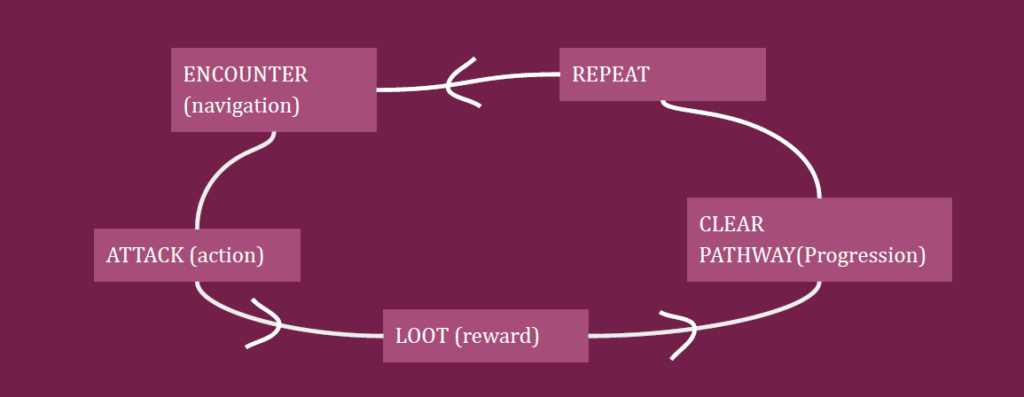
The core gameplay loop centers around repeated, reaction based combat encounters. The player engages, reads the enemies directional approach and performs timed attacks to successfully defeat them. Every successful interaction provides immediate visual feedback and health drop rewards, whereas a missed attack increases pressure and escalates consequences. The player must complete this before either the timer runs out and the player gets overrun by enemies or by escaping.
SCOPE
Original concept for gameplay:
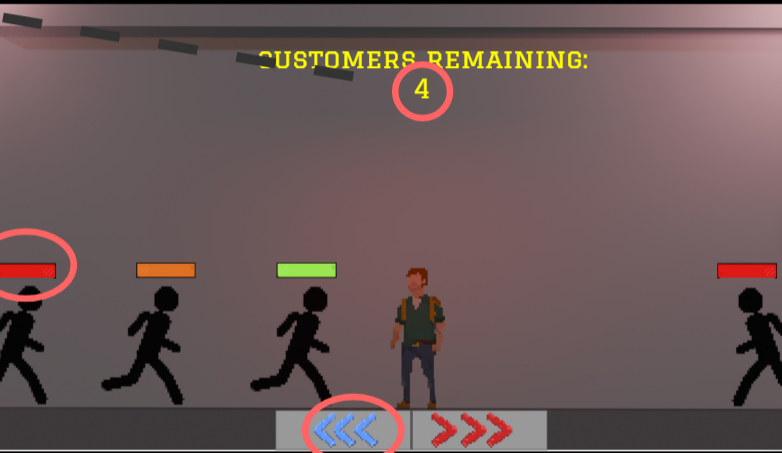
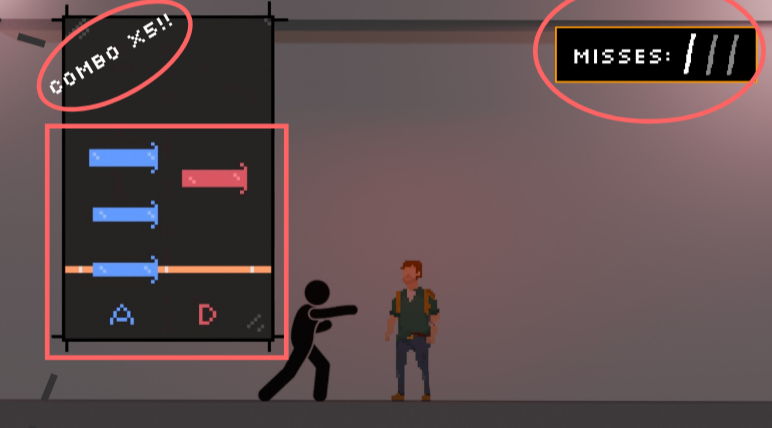
The original scope was very ambitious, including multiple characters, a character select screen, rhythm-based combat, and various mechanics. However, we later realised it was too large for the timeframe, so we reduced it to a simpler beat ’em up with one playable character and core combat systems. Although features were cut, this allowed us to focus the project and successfully deliver a complete, playable game.
PAPER ZD AND STATE MACHINES
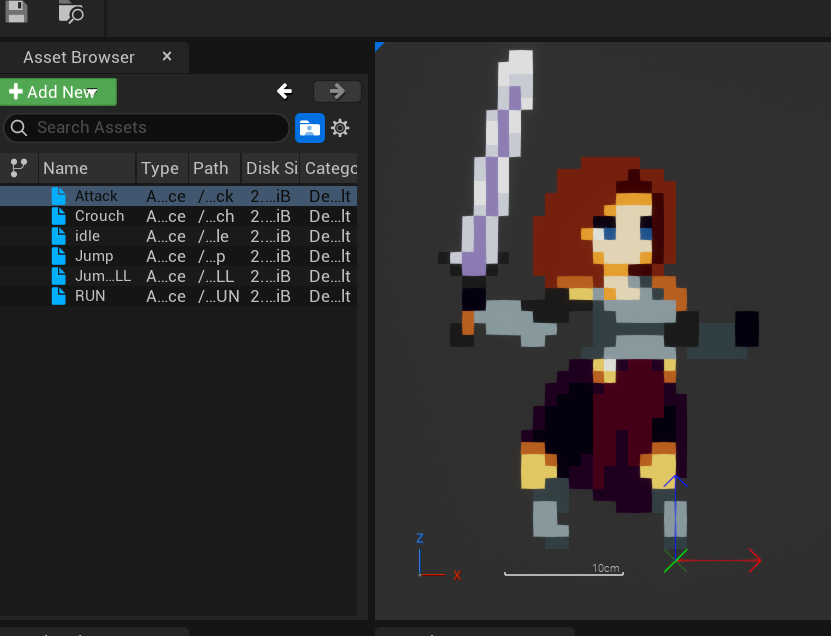
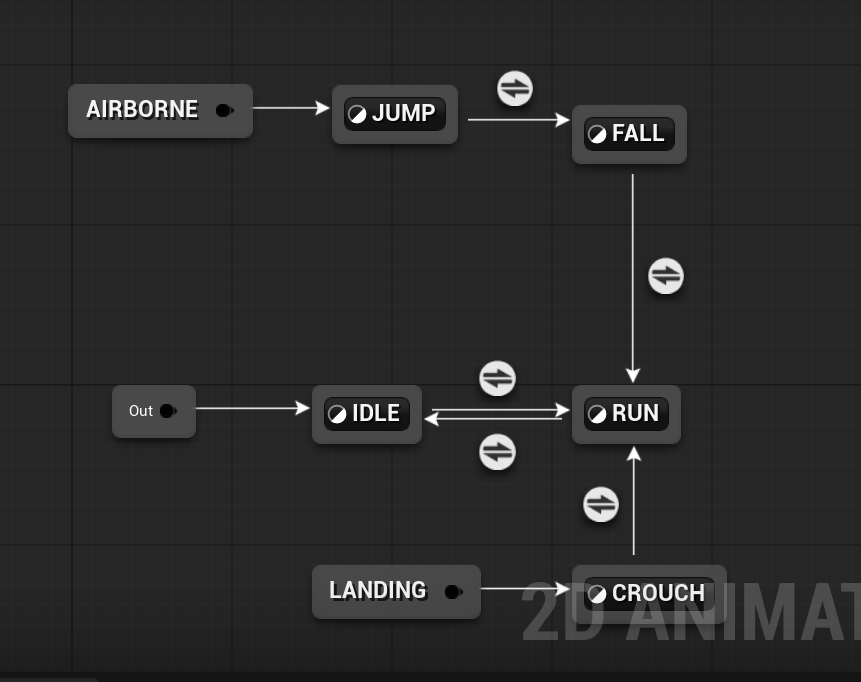
To begin the project, I familiarized myself with Unreal Engine 5’s Paper2D and PaperZD systems to better understand how 2D sprites and animation state machines function within a 3D environment. I imported placeholder artwork and created animation flipbooks for actions such as idle, walking, running, and jumping before implementing them through a PaperZD animation blueprint. After experimentation and research, I successfully implemented the core movement animations and a side-scrolling player system, while more complex animations such as attacking were postponed until later in development.
HEALTH AND ATTACK COMPONENTS
The component system was designed so it could be easily dragged and attached to any pawn blueprint. This worked well for enemy AI, as I had multiple enemy types that all required shared attack and health functionality. I used a modular approach inspired by a system by Ali Elzoheiry (2024), which I adapted during development.
Design decisions were also guided by regular playtesting, which helped balance player experience and identify issues early, particularly within the attack systems which required frequent adjustment.
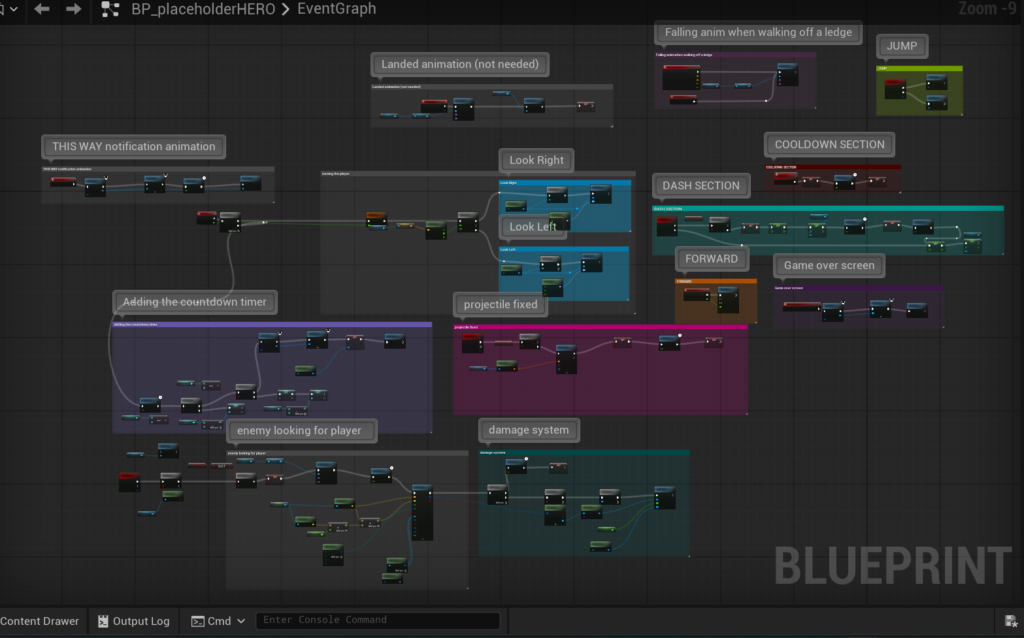
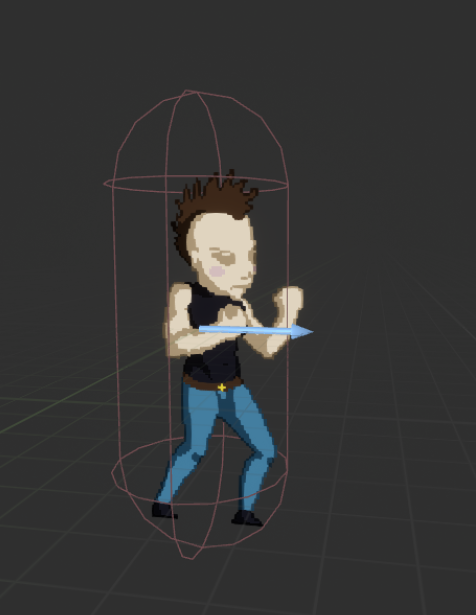
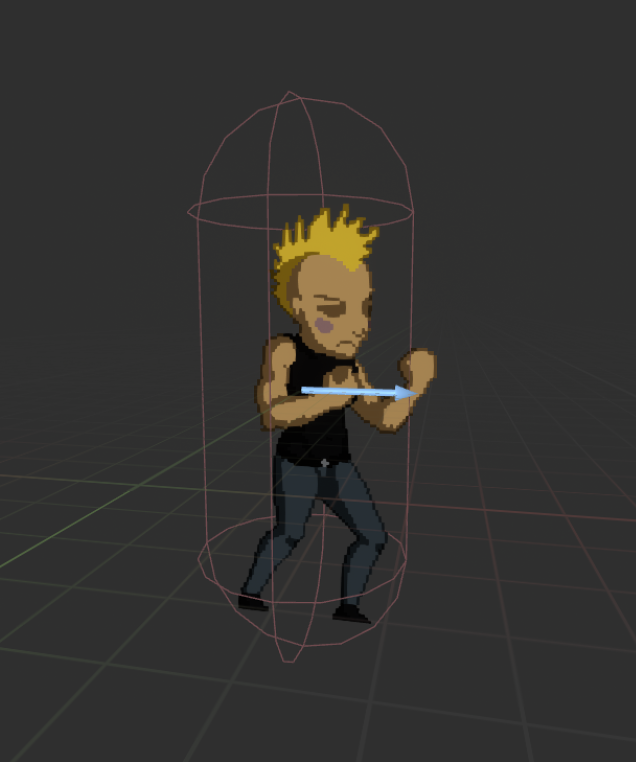
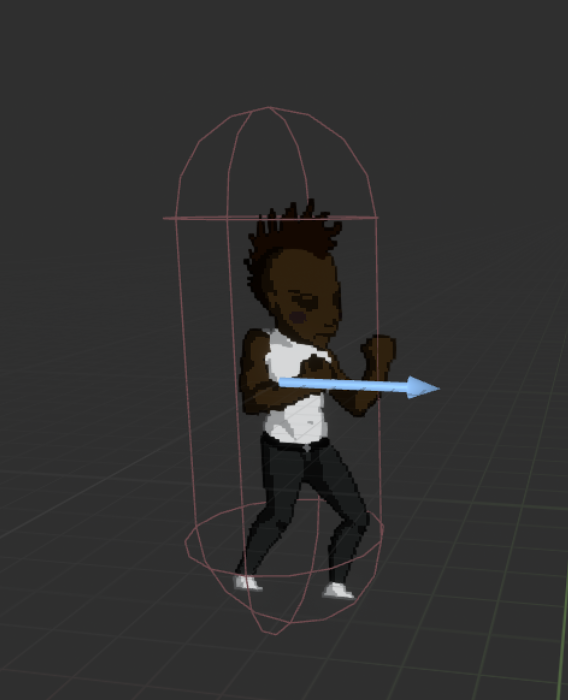
Although the system took longer to implement than planned, it challenged me to push my Unreal Engine skills further. Even though it increased development time, it provided valuable learning experience in building reusable component systems that I can apply to future projects.
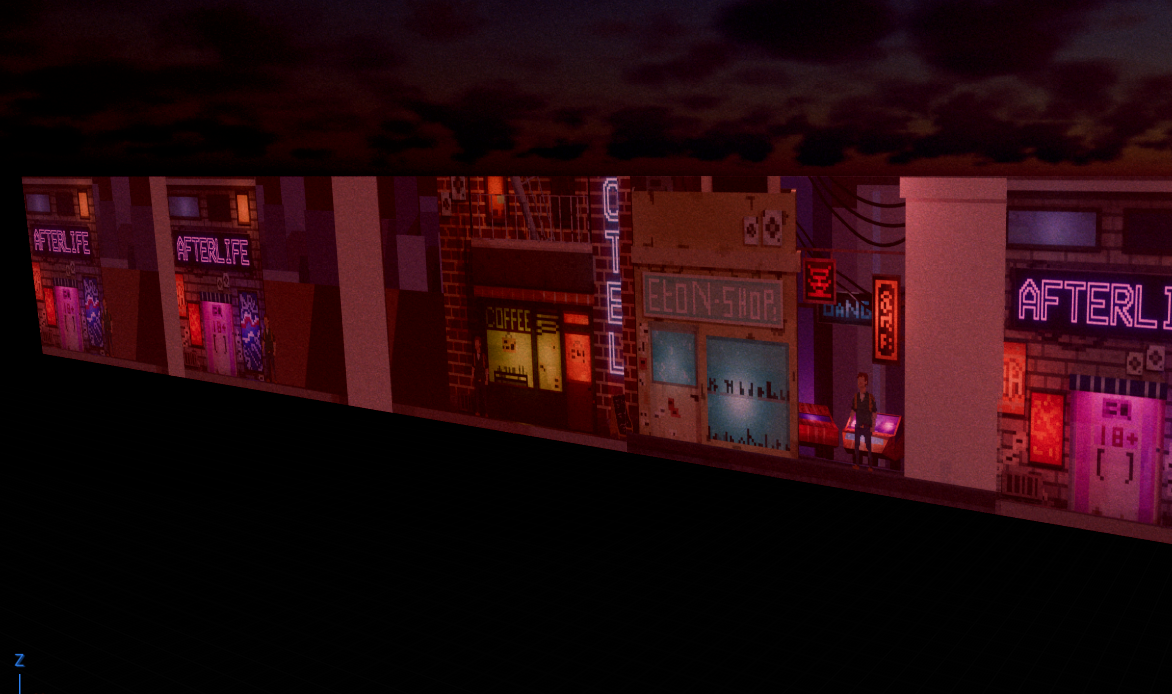
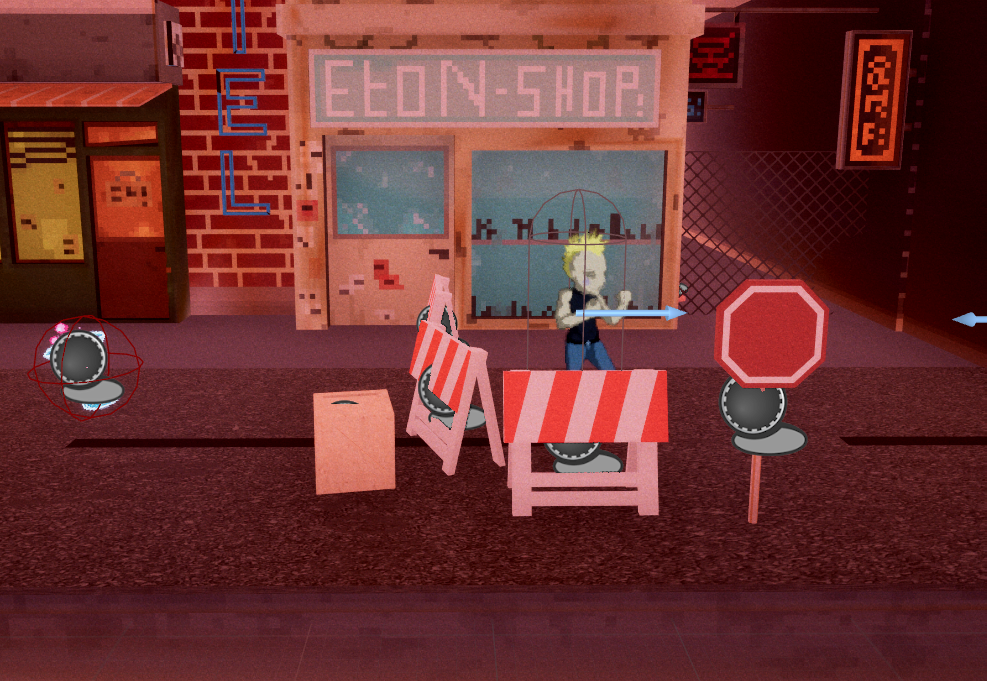
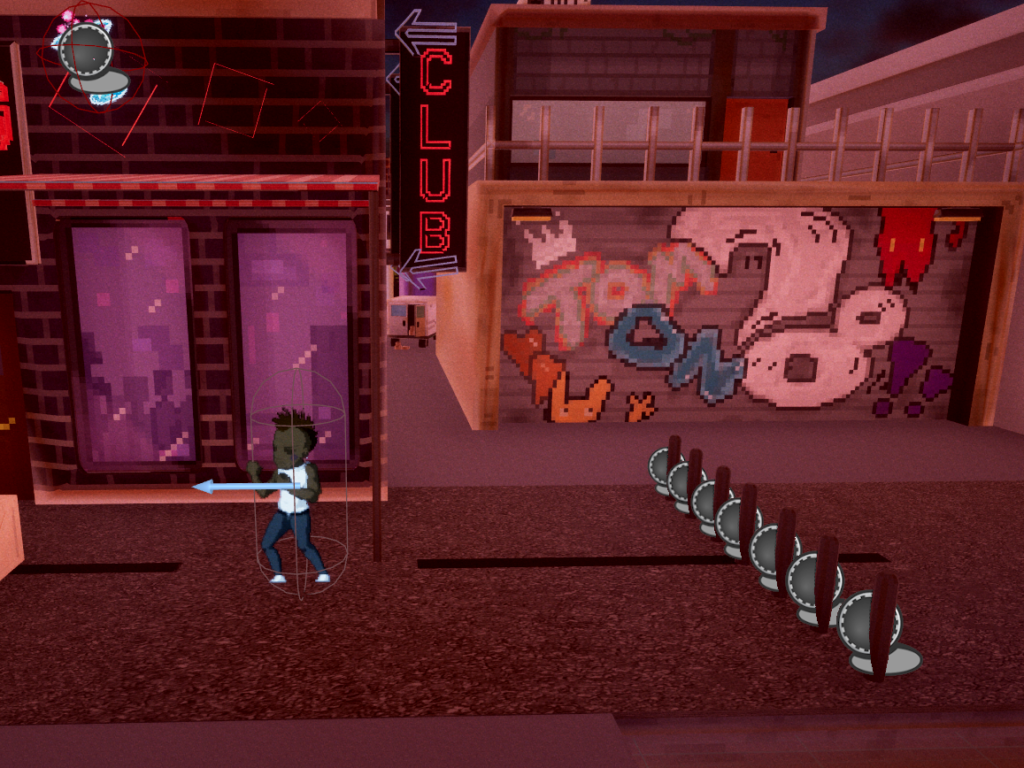
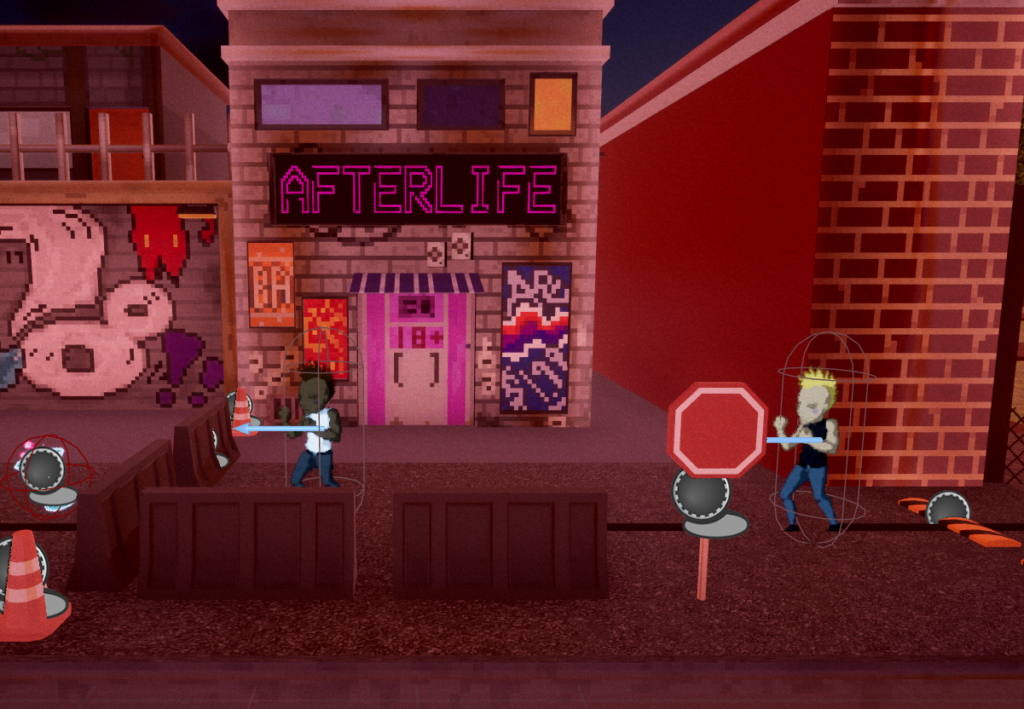
LEVEL DESIGN
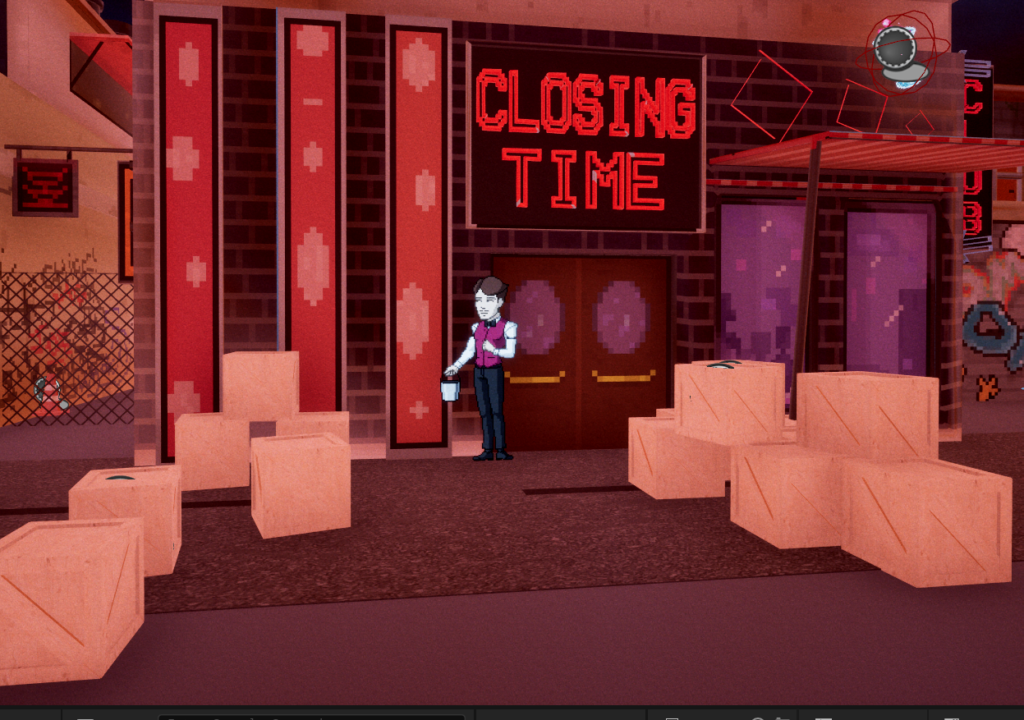
BEFORE images:
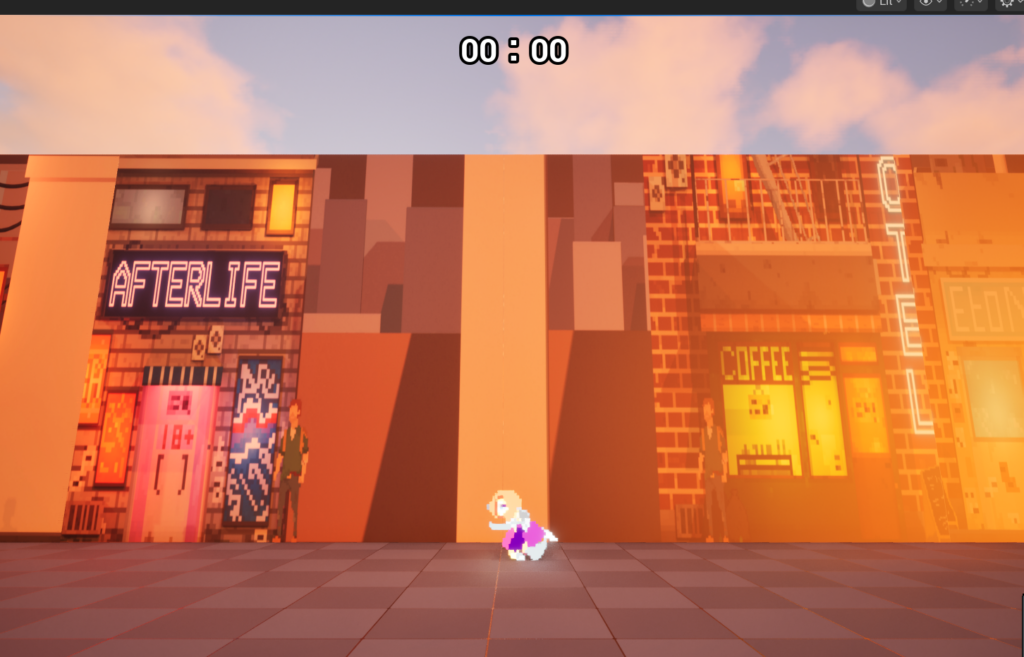
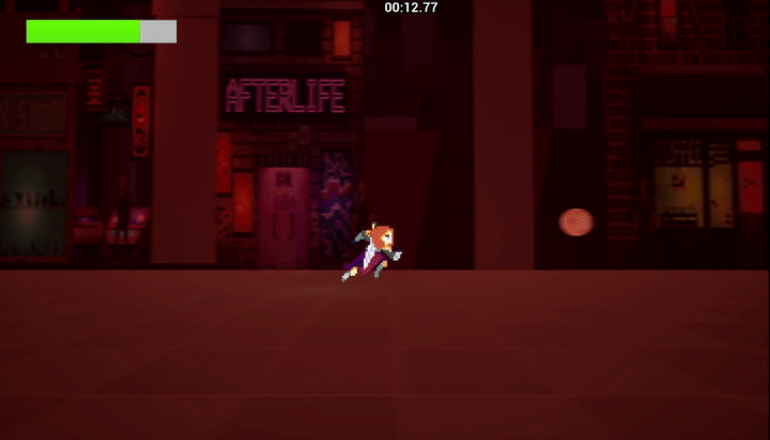
AFTER images:
UI/UX
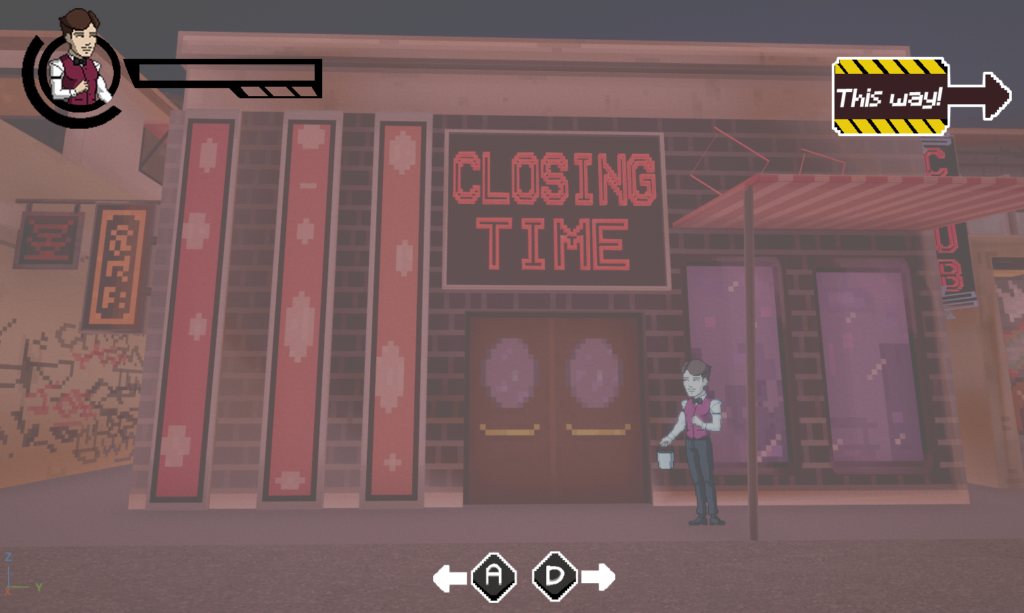
Below are the finalized UI for the game:
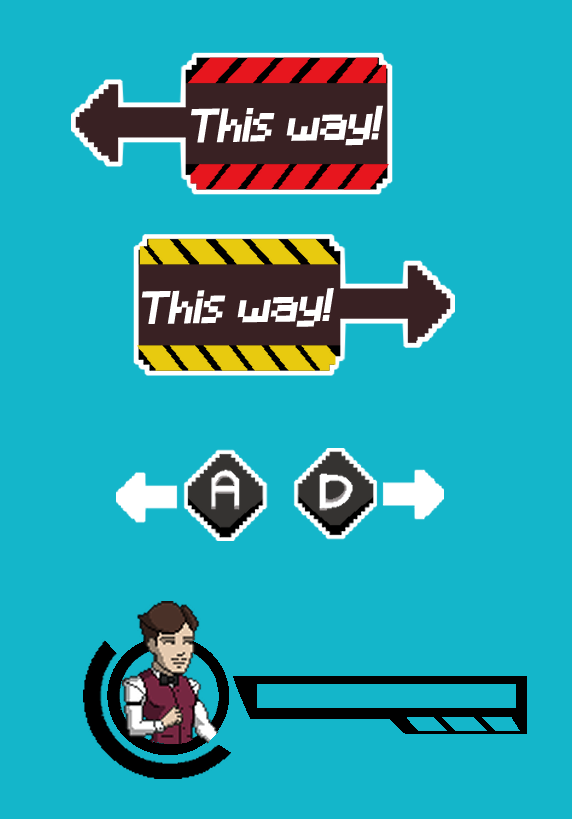
Final image of UI
Team Management
One of the key early decisions was choosing between Unity and Unreal Engine. While Unity was initially considered for its strong 2D support, I recommended Unreal Engine due to team familiarity and my experience with Blueprints. Given the short timeframe, Unreal was the most practical choice and allowed us to efficiently develop a fully playable game. This also improved my confidence in contributing to team discussions and technical decision-making.
Workload
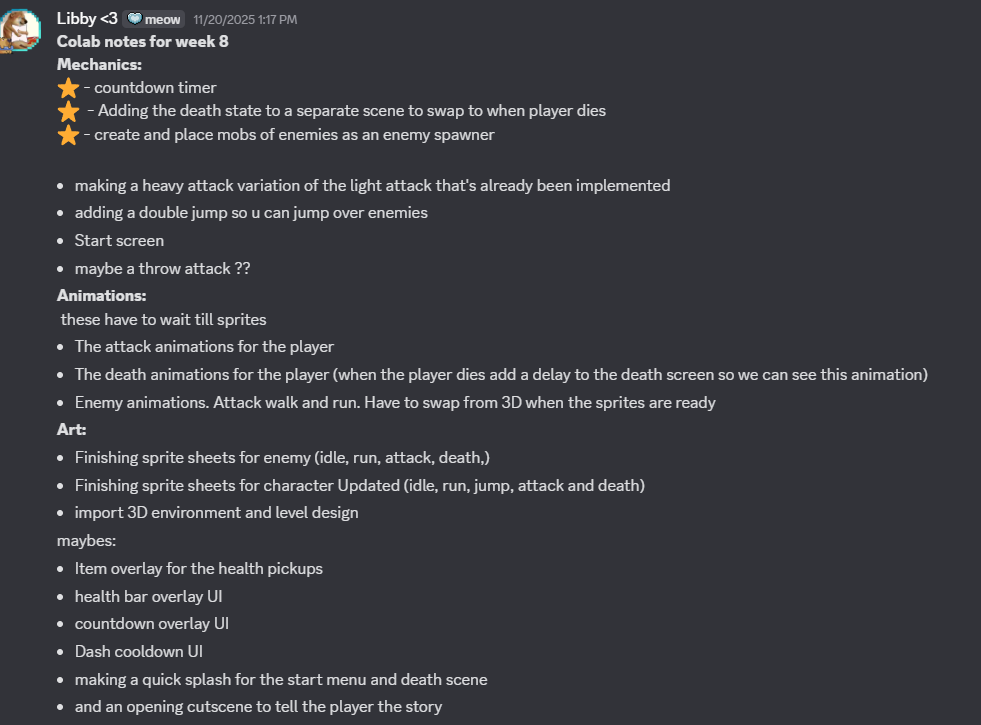
To manage workload and ensure steady progress, I used structured task lists for technical, gameplay, and milestone tasks, updating them regularly based on team availability and priorities.
Discord was used as the main communication tool to assign tasks, track progress, and keep clear communication between the technical and design teams. This helped maintain an agile-style workflow and improved my confidence in planning and team collaboration.